Hands-on: Multi-cam home studio – powered by a MacBook Pro and Thunderbolt


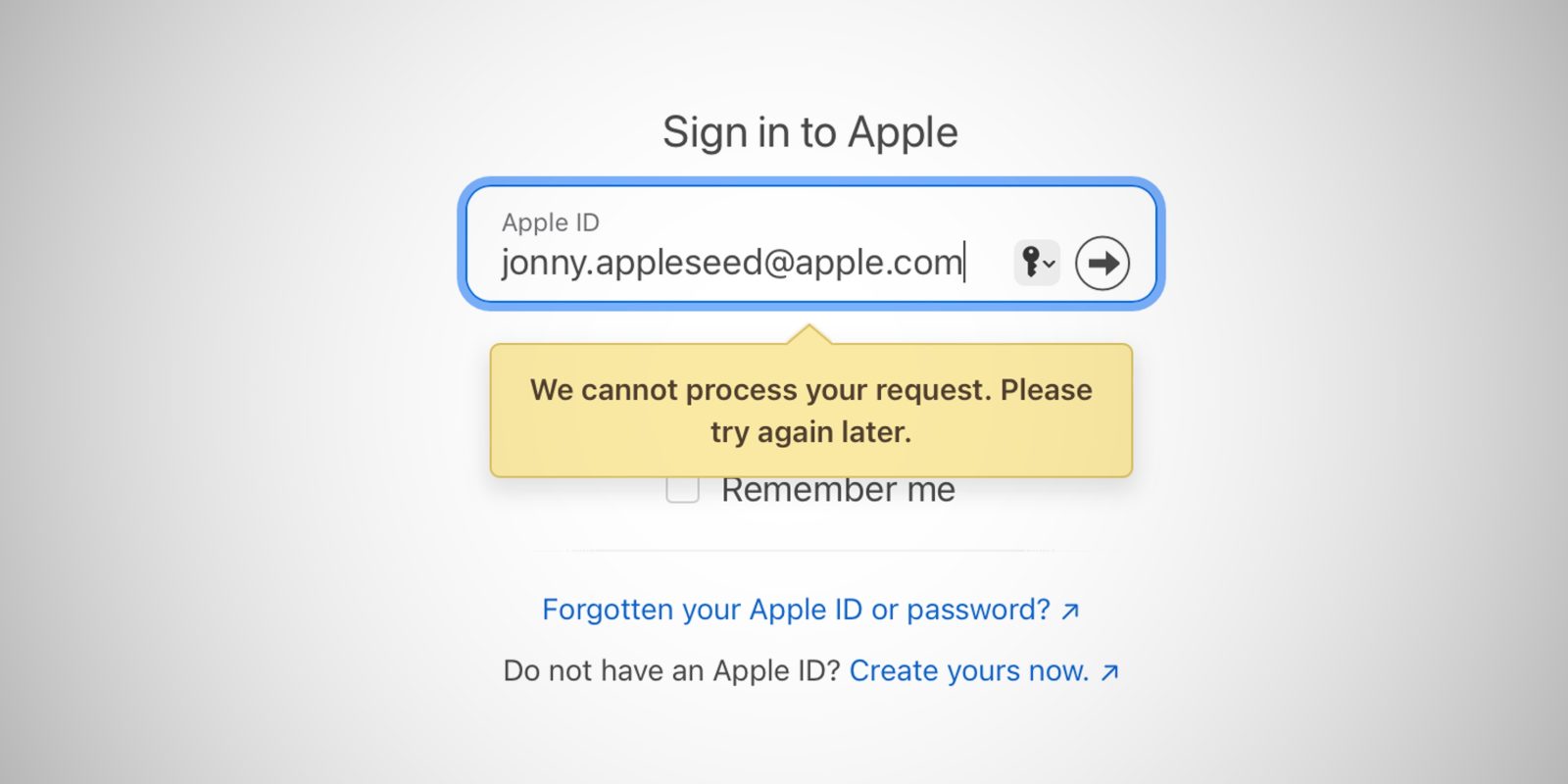
There appears to be an increasingly widespread Apple ID outage of some sort impacting users tonight. A number of people on social media say that they were logged out of their Apple ID across multiple devices on Friday evening and forced to reset their password before logging back in…
Expand Expanding Close

Apple has trouble admitting when it’s wrong. The company’s marketing has always been about excellence, and admitting that something isn’t right seems to be out of the question for Apple. For us customers, this means having to deal with problematic products for longer than we’d like. Yes, I’m talking about FineWoven – but Apple has had other FineWovens in its past, and it should’ve learned that it’s okay to admit you’re wrong sometimes.
Expand Expanding Close
Some reports last month revealed that Apple was in talks with Google to use Gemini to power new AI features coming to iOS 18. Earlier this year, 9to5Mac also reported that Apple had been running internal tests with OpenAI’s ChatGPT. Now a Bloomberg report claims that Apple has resumed negotiations with OpenAI for a potential partnership.
Expand Expanding Close
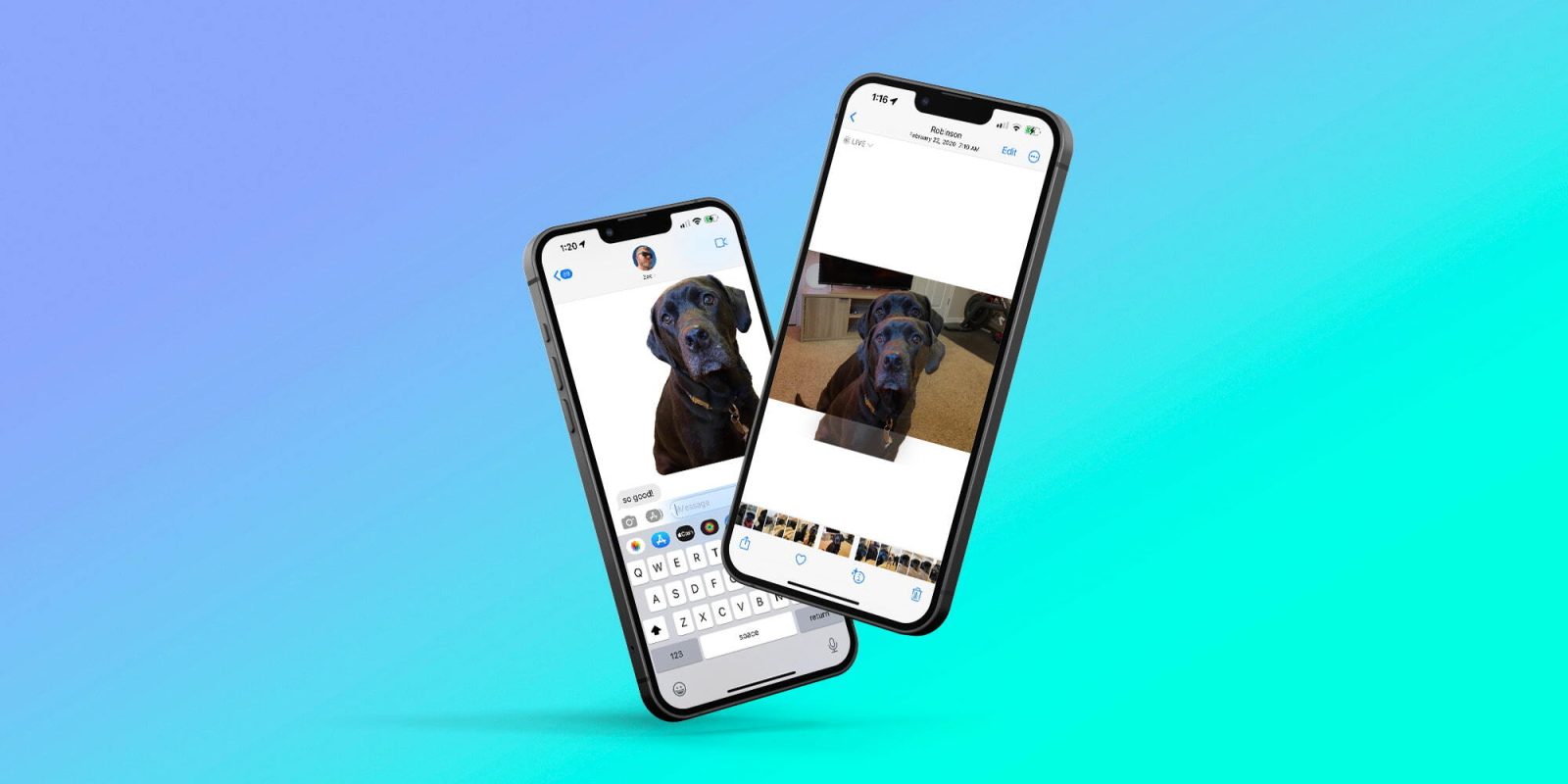
Did you know that iOS makes it very, very easy to instantly remove the background from any image? This feature was first introduced with iOS 16, and I’ve found it to be one of the best and most useful capabilities over the last 18 months. Here’s how it works.
Expand Expanding Close
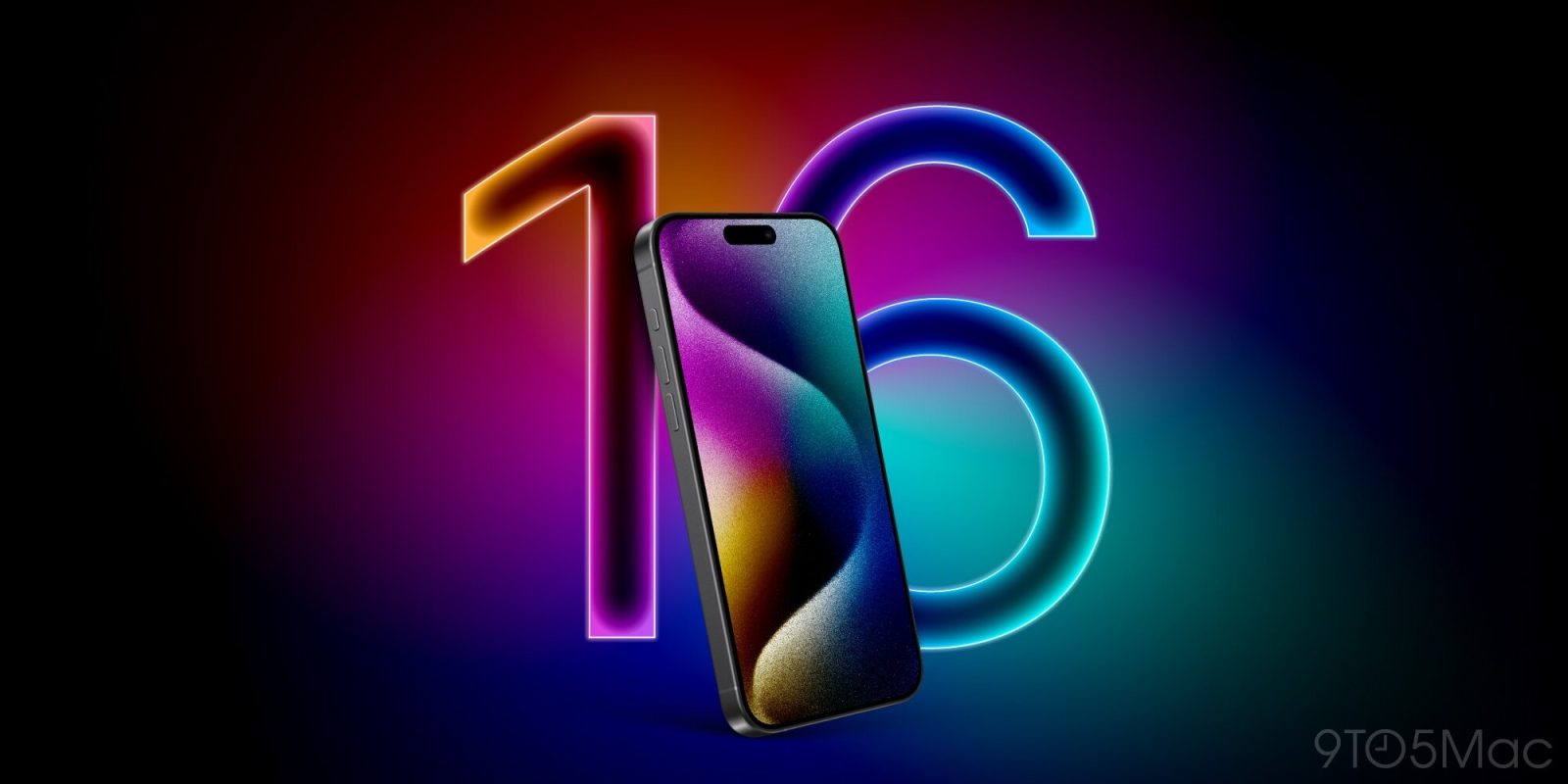
One of the big changes for the iPhone 16 Pro and iPhone 16 Pro Max is that both models will feature larger displays. This will mark the first time iPhone screens have gotten bigger since the iPhone 12 was introduced in 2020. Is this a good thing, though?
Expand Expanding Close
Listen to a recap of the top stories of the day from 9to5Mac. 9to5Mac Daily is available on iTunes and Apple’s Podcasts app, Stitcher, TuneIn, Google Play, or through our dedicated RSS feed for Overcast and other podcast players.
Sponsored by Roborock: Get a special deal on the S8 MaxV Ultra Robot Vac & S8 Max Ultra with free gifts for a limited time.
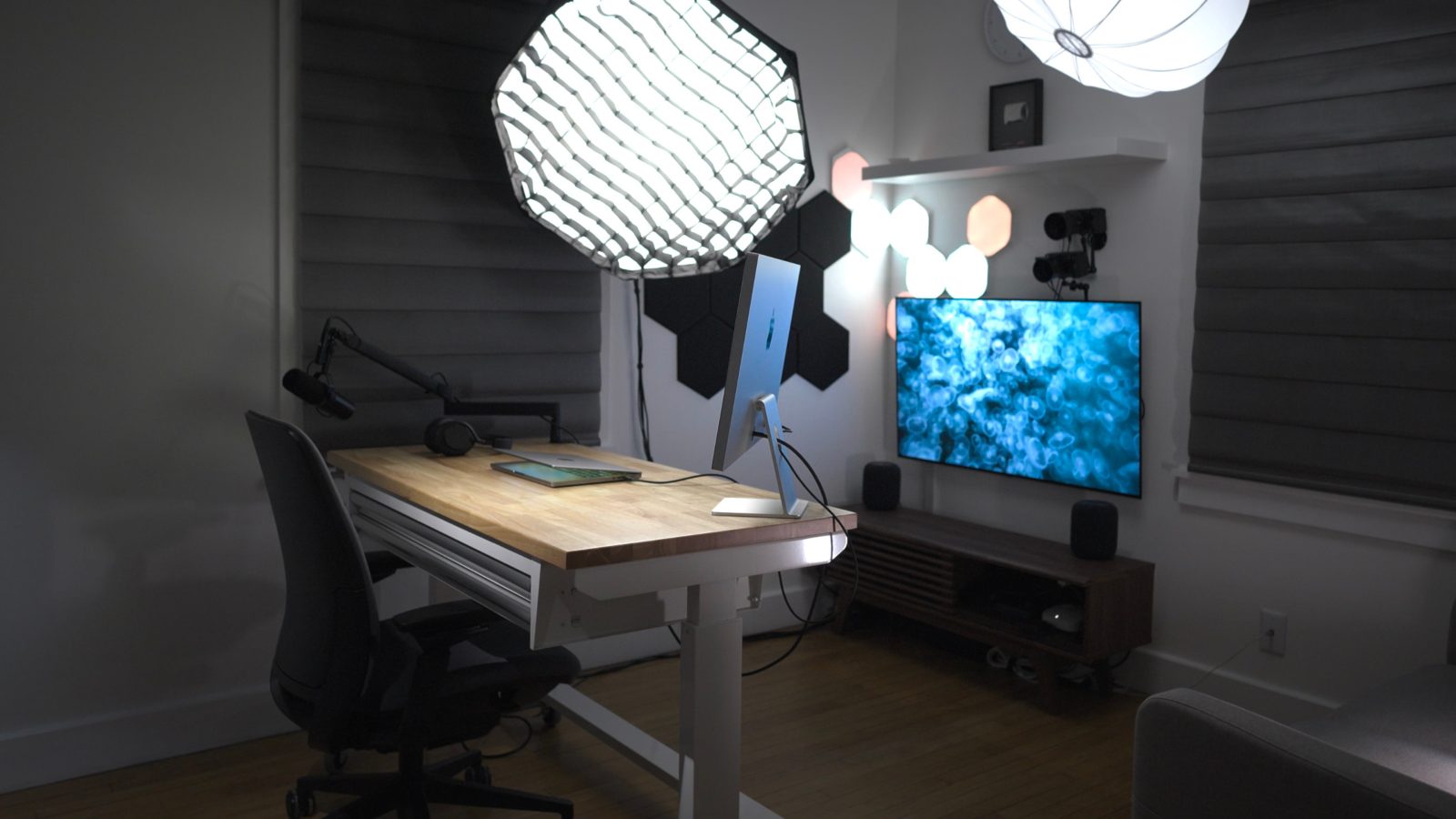
After years of waffling, I decided that it was time to update my workspace to be more friendly to on-camera work, reviews, tutorials, product photography, podcasting, etc. Instead of having a space that I sometimes use for work, sometimes for study and entertainment, and sometimes for editing, I decided to switch it up and wholly dedicate it to video and photo production.
This setup is primarily powered by a 14-inch MacBook Pro connected to a single Thunderbolt cable. It’s also made possible by a whole host of software, including MovieRecorder, a pricey but fantastic application from Softron. MovieRecorder allows me to simultaneously record high-quality HEVC-encoded video in a multi-cam setup from multiple cameras directly to my computer, bypassing SD Cards of CFexpress cards entirely.
As you’ll see in my hands-on video, I’ve done many other things to customize my setup for productivity, and I hope you find it enlightening and fun. Be sure to subscribe to 9to5Mac on YouTube for more videos like this.
Expand Expanding Close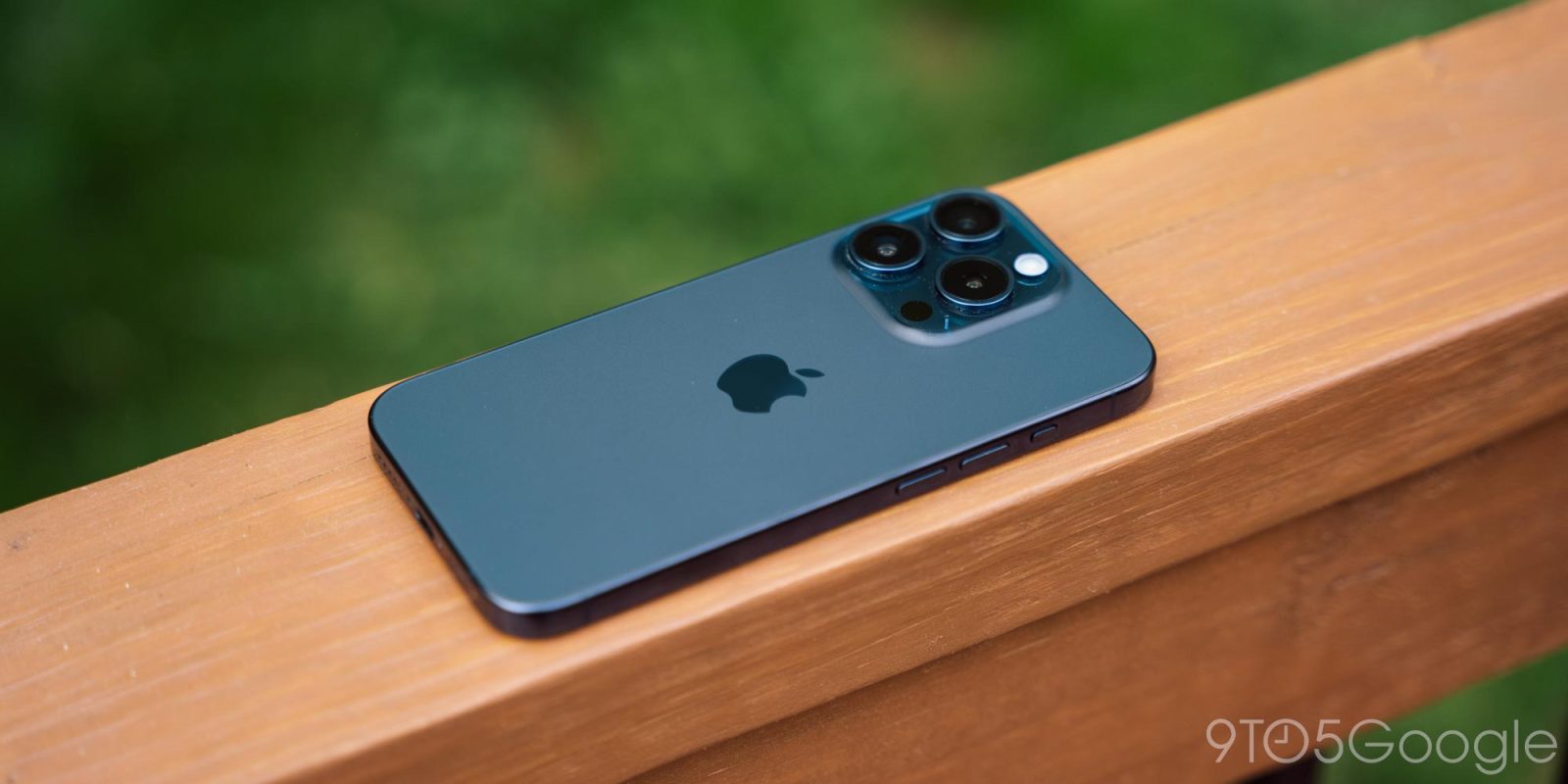

The iPhone is the best-selling smartphone on the planet and, in the US especially, it’s clearly a dominant force. I’m an Android person by choice, but once in a while, I spend time with the latest iPhone to take a peek inside of Apple’s garden, trying not to get trapped within its walls. Over the past several months, I’ve been using the iPhone 15 Pro off and on and, well, I’ve got thoughts.
Expand Expanding Close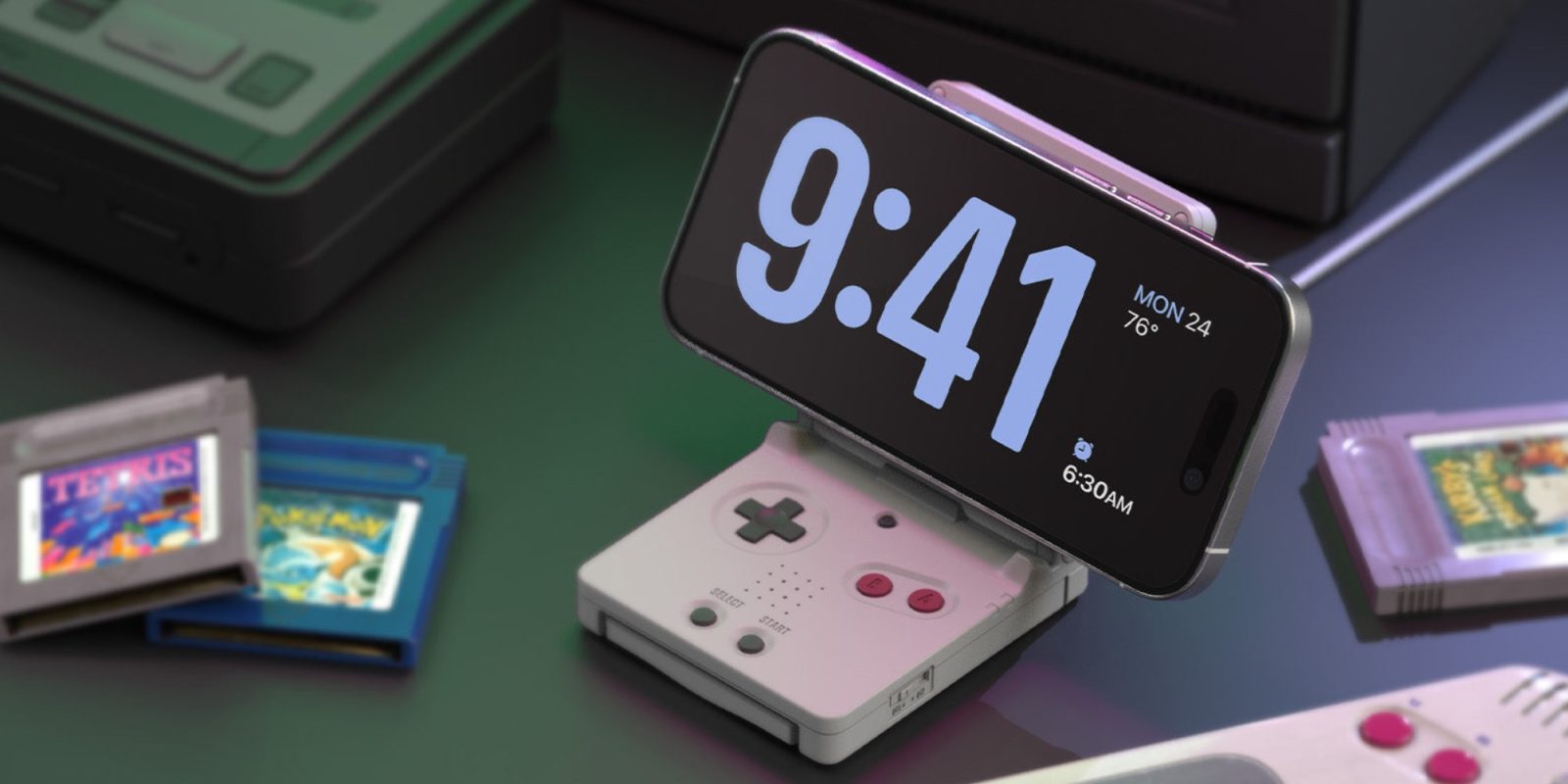

elago is launching a new MagSafe charging dock today that looks like a Game Boy Advance SP. The new MS W5 Charging Stand debut with a retro design that’s a bit more recent than some of the other throwback-themed accessories we’ve seen from elago and channels the vibes of Nintendo’s folding handheld.
Expand Expanding Close
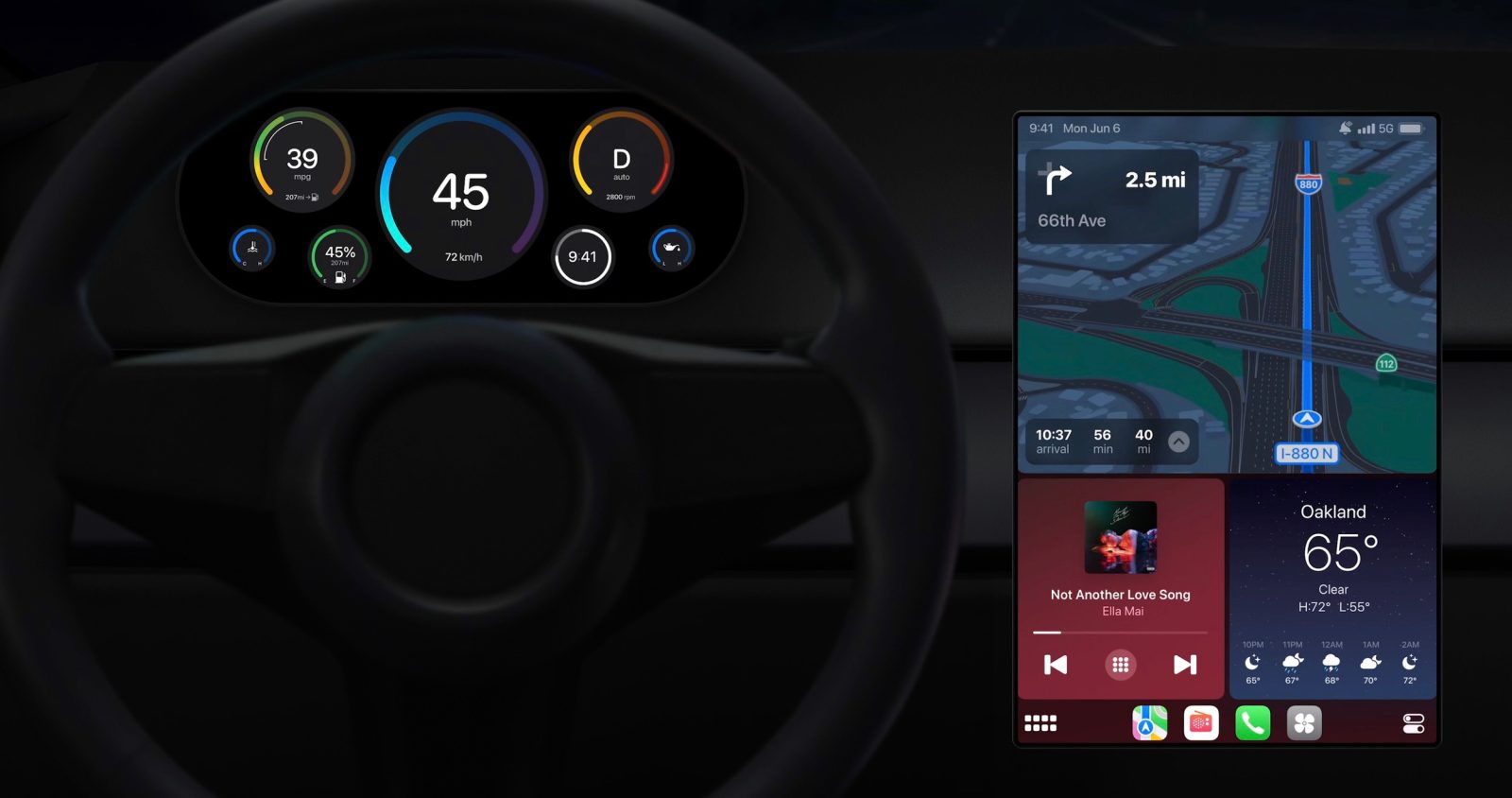
Since its initial introduction, Apple’s CarPlay platform has become ubiquitous. It’s available in the vast majority of new cars on the market today, and for good reason: it’s one of the top things people look for when buying a new car.
At WWDC in June 2022, Apple announced what it calls the “next generation of CarPlay.” This new CarPlay interface is set to debut in new cars this year, and it’s going to be a big change.
The first automakers signed on to support next-gen CarPlay? Porsche and Aston Martin. Here’s everything we know.
Expand Expanding Close

Back in January, a fully intact iPhone was discovered along the side of the road after plummeting 16,000 feet when a door blew off an Alaska Airlines flight. At the time, we pointed out that it was pretty incredible the iPhone 14 Pro Max survived such a dramatic fall.
The Wall Street Journal’s Joanna Stern, however, was determined to get more answers.
Expand Expanding Close
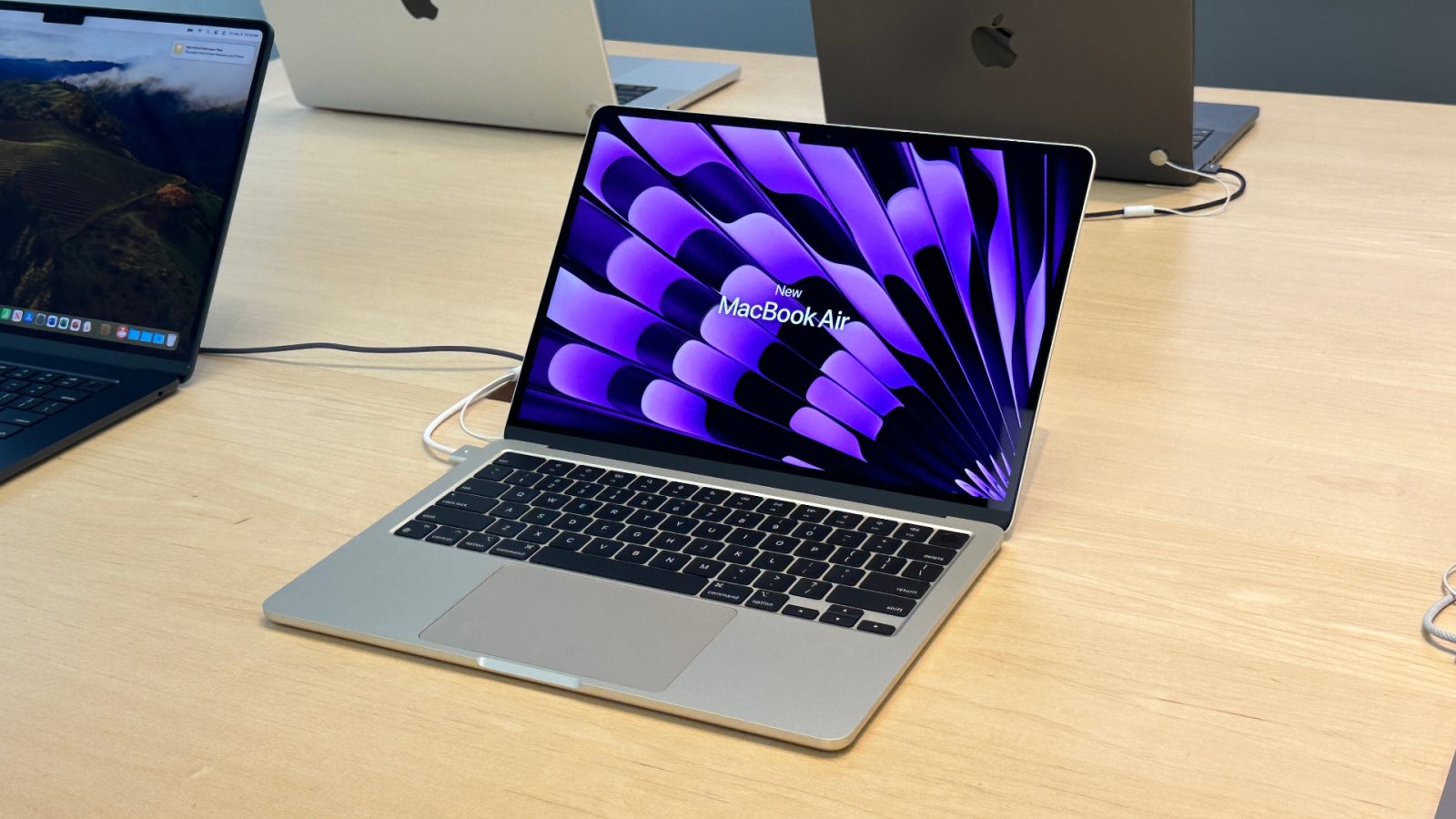
Friday is wrapping up the work week with a fresh batch of Apple deals. The savings today takes $110 off 13-inch M3 MacBook Air at a new all-time low of $989. You can also save $100 on Apple Watch Series 9, which has the 45mm model matching its low of $329 alongside 41mm styles from $299. Plus, the best price of the year drops the CalDigit TS3 Plus Thunderbolt 3 Dock to $190. Hit the jump for all that and more in the latest 9to5Toys Lunch Break.
Expand Expanding Close

Apple Arcade launched with close to 100 titles and the service is seeing new games added almost every week with over 200 games now in the library. Follow along with our guide on all the available Apple Arcade games plus the latest releases.
Expand Expanding Close
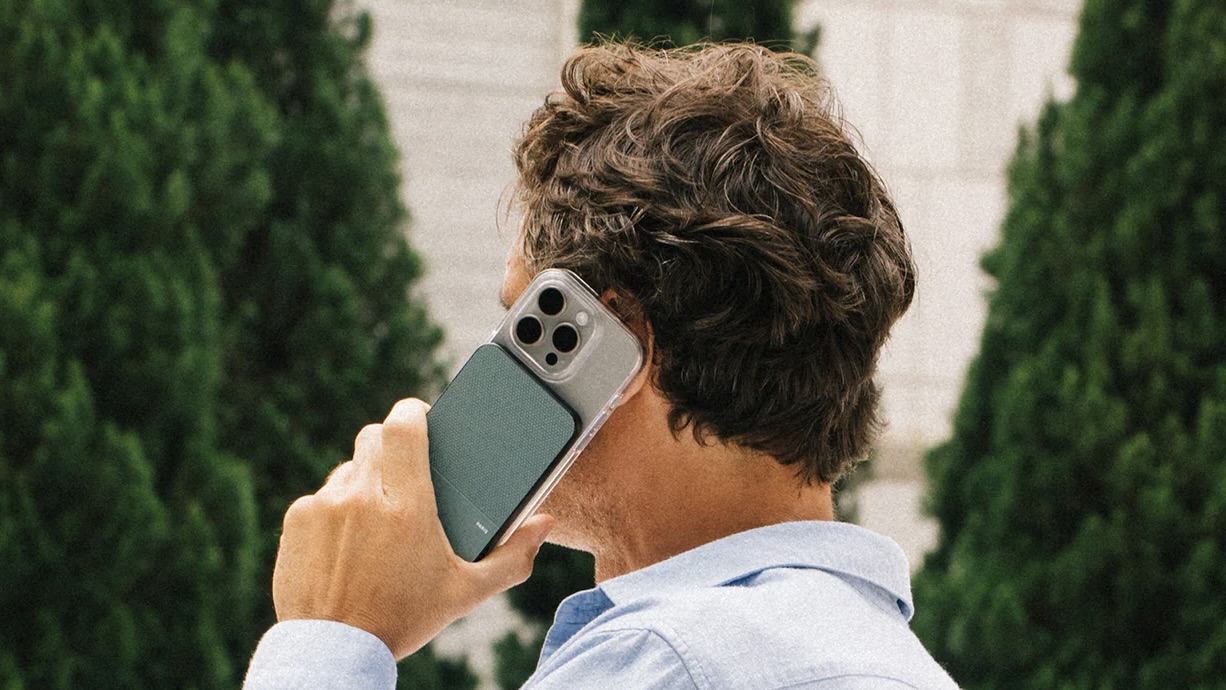
Native Union has released its latest iPhone accessory today, the (Re)Classic Power Bank. The company is looking to set it apart from the competition with what it says is the slimmest design for a 5000mAh iPhone at just 8.6mm (0.34 inches), an Italian vegan leather, and more.
Expand Expanding Close
Apple is cracking down on a category of AI image generation apps that “advertised the ability to create nonconsensual nude images.” According to a new report from 404 Media, Apple has removed multiple AI apps from the App Store that claimed they could “create nonconsensual nude images.”
Expand Expanding Close

Apple’s struggles in China continue, according to new data from research firm Canalys. This data indicates that not only did Apple fall out of first place in China for smartphone shipments in Q1 2024, it fell all the way to fifth place.
Expand Expanding Close

Two former Apple employees who worked for the company as cybersecurity researchers are now launching their own startup. Called DoubleYou, the startup is focused on helping creators of cybersecurity products protect iOS devices and Macs.
Expand Expanding Close

Verizon has another price increase on the way. In an email to customers on Thursday, the company revealed a $5 per month price increase affecting plans tied to Apple Watch and other connected smartwatches.
Expand Expanding Close

Gentler Streak, the popular fitness and wellness app for Apple platforms, has just received an update that will make the app easier to use for more people around the world. That’s because the latest version of Gentler Streak has introduced support for Asian languages.
Expand Expanding Close
Listen to a recap of the top stories of the day from 9to5Mac. 9to5Mac Daily is available on iTunes and Apple’s Podcasts app, Stitcher, TuneIn, Google Play, or through our dedicated RSS feed for Overcast and other podcast players.
Sponsored by Roborock: Get a special deal on the S8 MaxV Ultra Robot Vac & S8 Max Ultra with free gifts for a limited time.
Pretty much every tech company has been investing in generative AI for the past two years, and Apple is rumored to finally bring new AI-based tools to iPhone users soon with iOS 18. However, the costs of operating such tools are quite high, and Meta has just confirmed that it will take years for the company to make money from AI.
Expand Expanding Close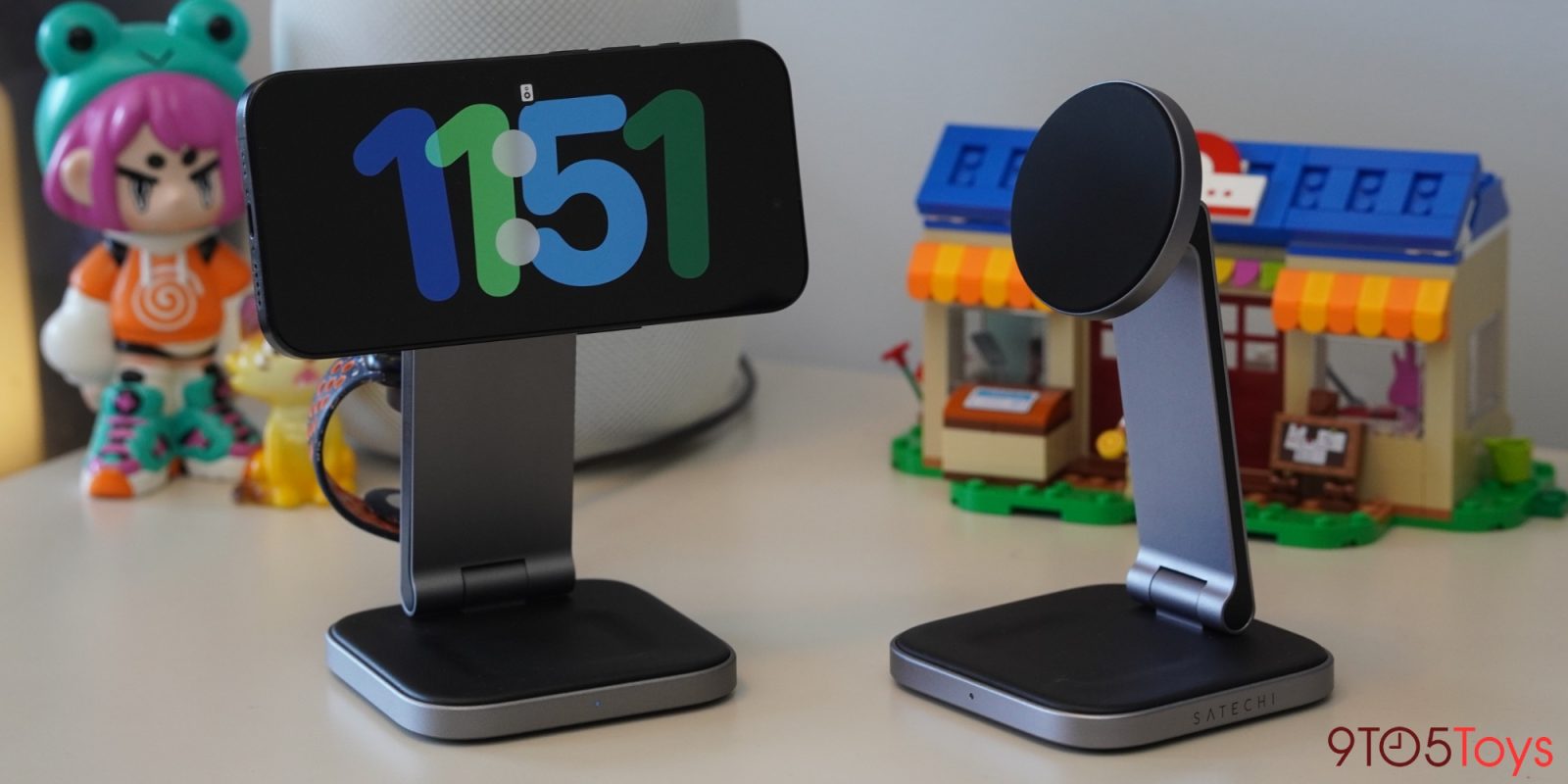
Satechi, today, is launching its first-ever Qi2 chargers for iPhone 15. I’ve been using them over the past few days and am already in love with the premium folding designs, 15W charging speeds, and the option to add in Apple Watch fast-charging for less than the competition.
Expand Expanding Close
If you’re looking to take your desk setup to the next level, this is the guide for you. Head below for some of my favorite products that can improve your working setup, ranging from accessories to decorations and more. All the things on this list are things I’ve personally used and can vouch for.
Expand Expanding Close
Benjamin and Chance get hyped for the just-announced Apple event, entitled ‘Let Loose’ set for May 7, in which we expect Apple to finally update the iPad hardware lineup. There’s also rumors that Apple is preparing to end FineWoven case production, and a weird curio that the iPhone 17 Plus screen may get slightly smaller. Elsewhere, AirPlay for hotels finally arrives and Apple is nearing a deal to exclusively stream the 2025 FIFA Club Word Cup.
And in Happy Hour Plus, Chance’s Mac broke. Subscribe at 9to5mac.com/join.