An Apple event is coming: What are you most excited to see?

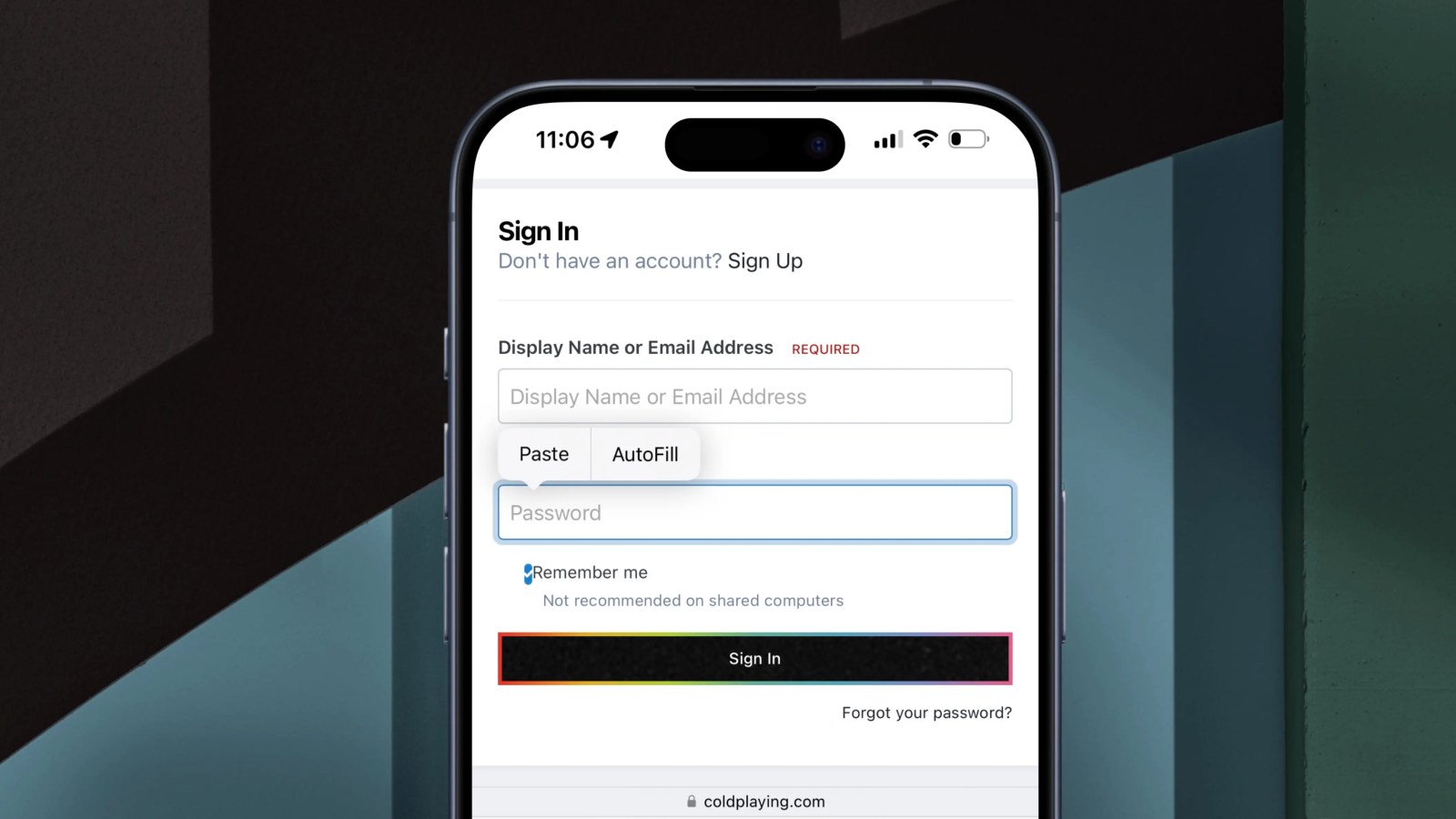
Over the years, Apple has drastically improved its AutoFill feature for autofilling passwords, addresses, credit card information, and more. With iOS 17, iPadOS 17, and macOS Sonoma, Apple has made another significant enhancement: the ability to use AutoFill anywhere in the operating systems.
Expand Expanding Close

We’re not far from the first official look at iOS 18 at WWDC 2024 on June 10. Whether you’d like to test out the new OS as soon as the dev beta is available or you’ll wait for the public beta or public launch, follow along for when to expect the iOS 18 release date.
Expand Expanding Close
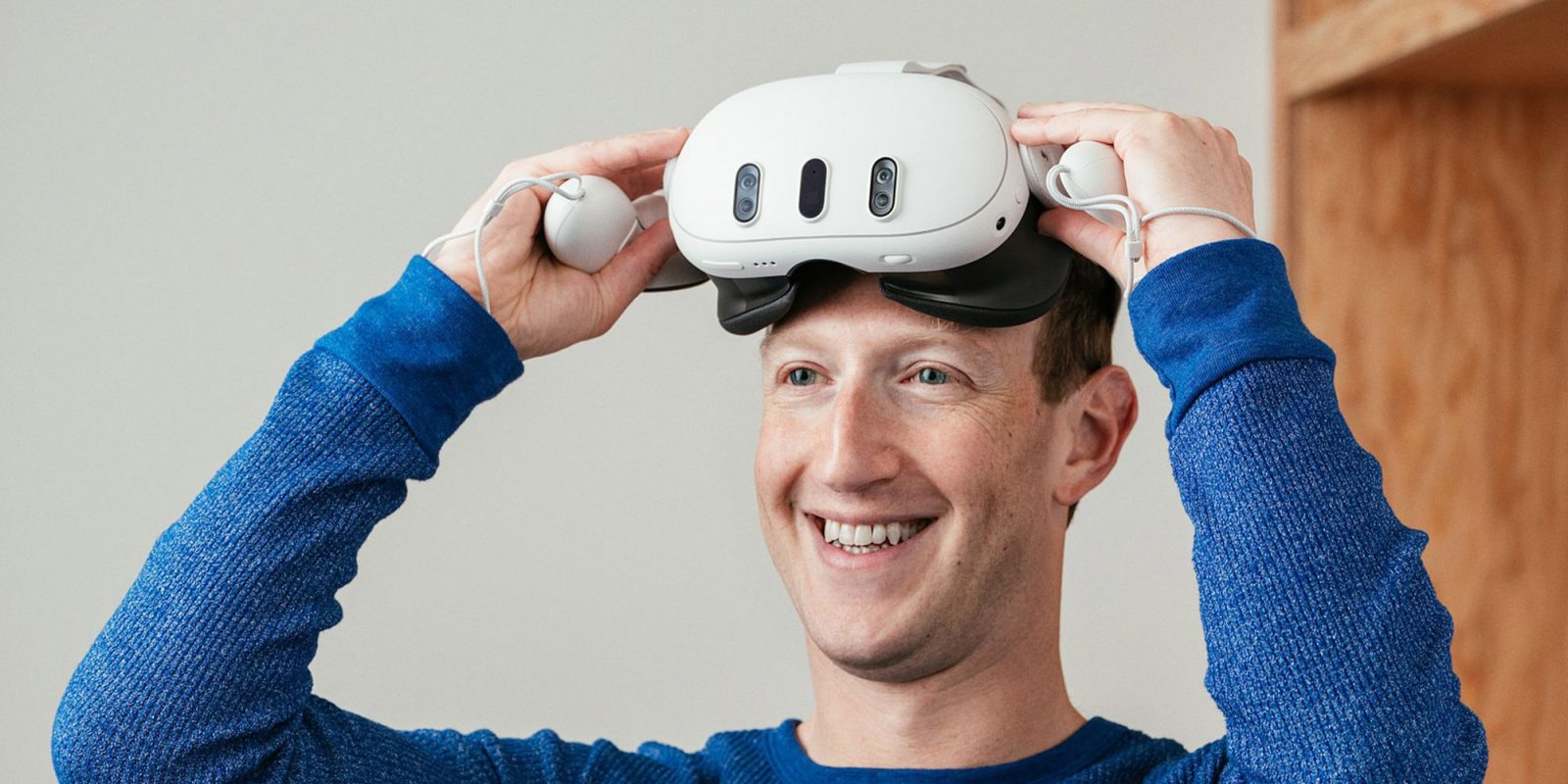
Meta this week announced some big news when it comes to its mixed reality ecosystem. The company confirmed that it is opening up the operating system for Meta Quest devices, known as Horizon OS, to third-party hardware manufacturers. This will allow devices other than those designed by Meta to run the same system, apps, and games.
Expand Expanding Close
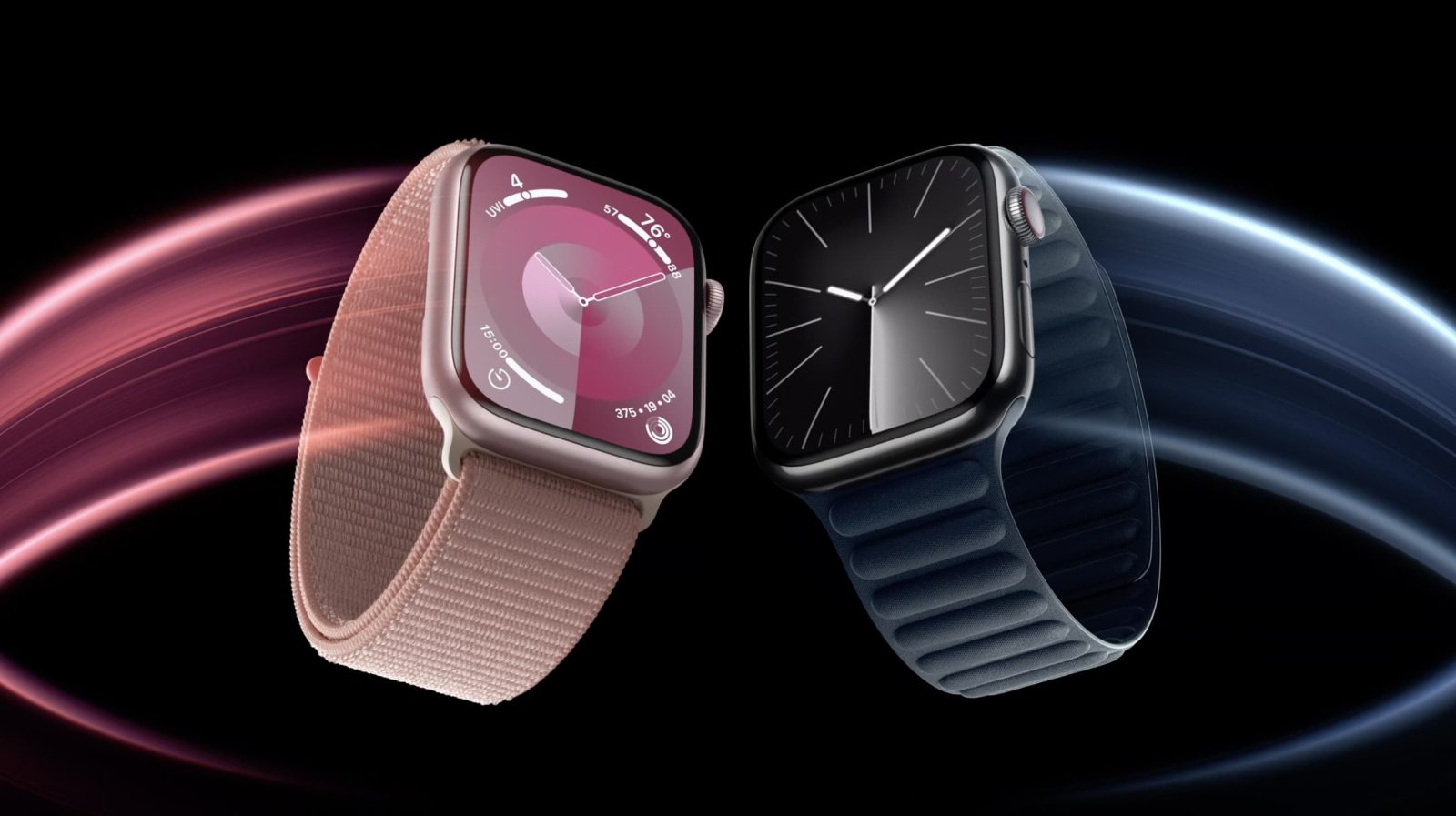
Apple is believed to be working on “the biggest overhaul yet” to the Apple Watch’s design. A new rumor today indicates that the next-generation Apple Watch could include a design change that frees up more space inside for other components – or that makes the device thinner.
Expand Expanding Close
WhatsApp has been internally testing passkey support in its iPhone app for some time. However, the option was still unavailable to most users. But that seems to be changing now, as Meta is slowly rolling out the passkey option to WhatsApp users on the iPhone with the latest version of the app.
Expand Expanding Close
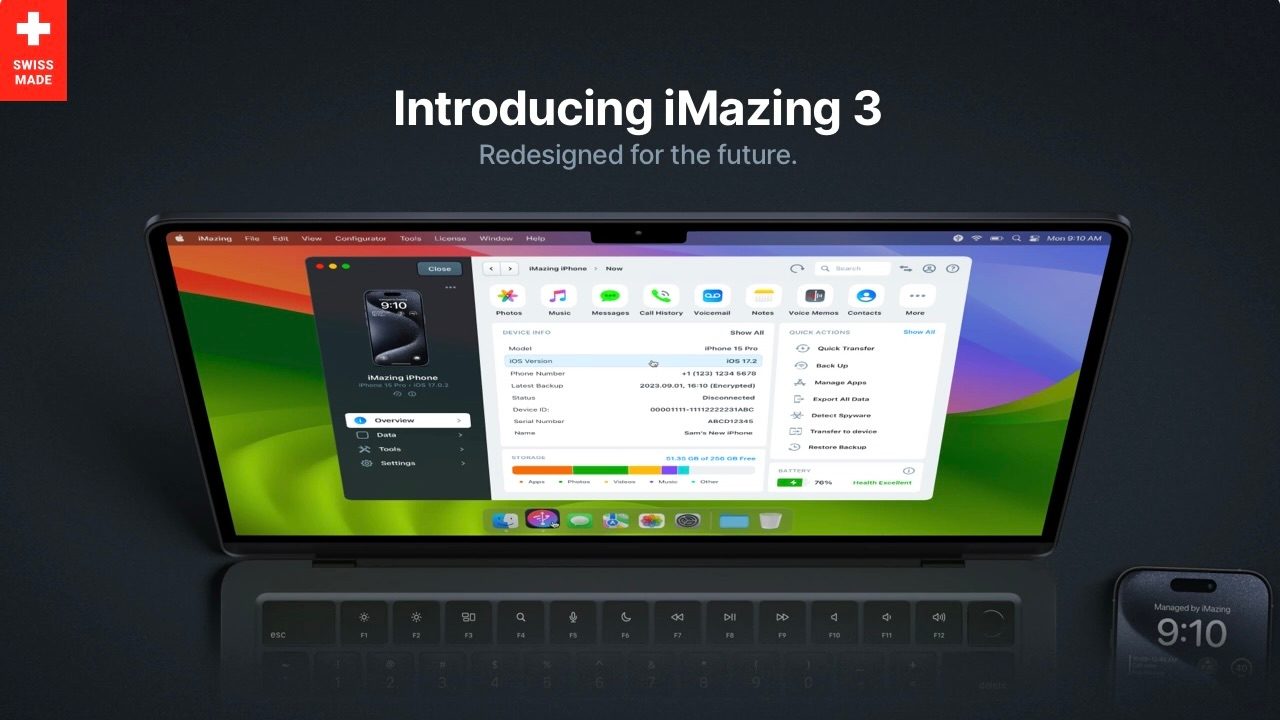
iMazing has been a go-to tool for Apple power users and IT admins for almost 20 years, now developer DigiDNA is out with iMazing 3. The major release sees a re-engineering of the whole app that brings a new UI and features, and even Vision Pro compatibility to join iPhone, iPad, iPod, and Apple TV support.
Expand Expanding Close
Apple was hit with a $2 billion fine in the European Union last month for “abusive” App Store rules for music streaming services. In addition to the fine, the European Commission also said Apple must relax its anti-steering rules.
As reported by TechCrunch, Spotify has submitted a new update to its app that includes pricing information for users in the EU. Spotify also says that it is not planning to opt into Apple’s new business terms in the European Union offered in response to the Digital Markets Act.
Expand Expanding Close
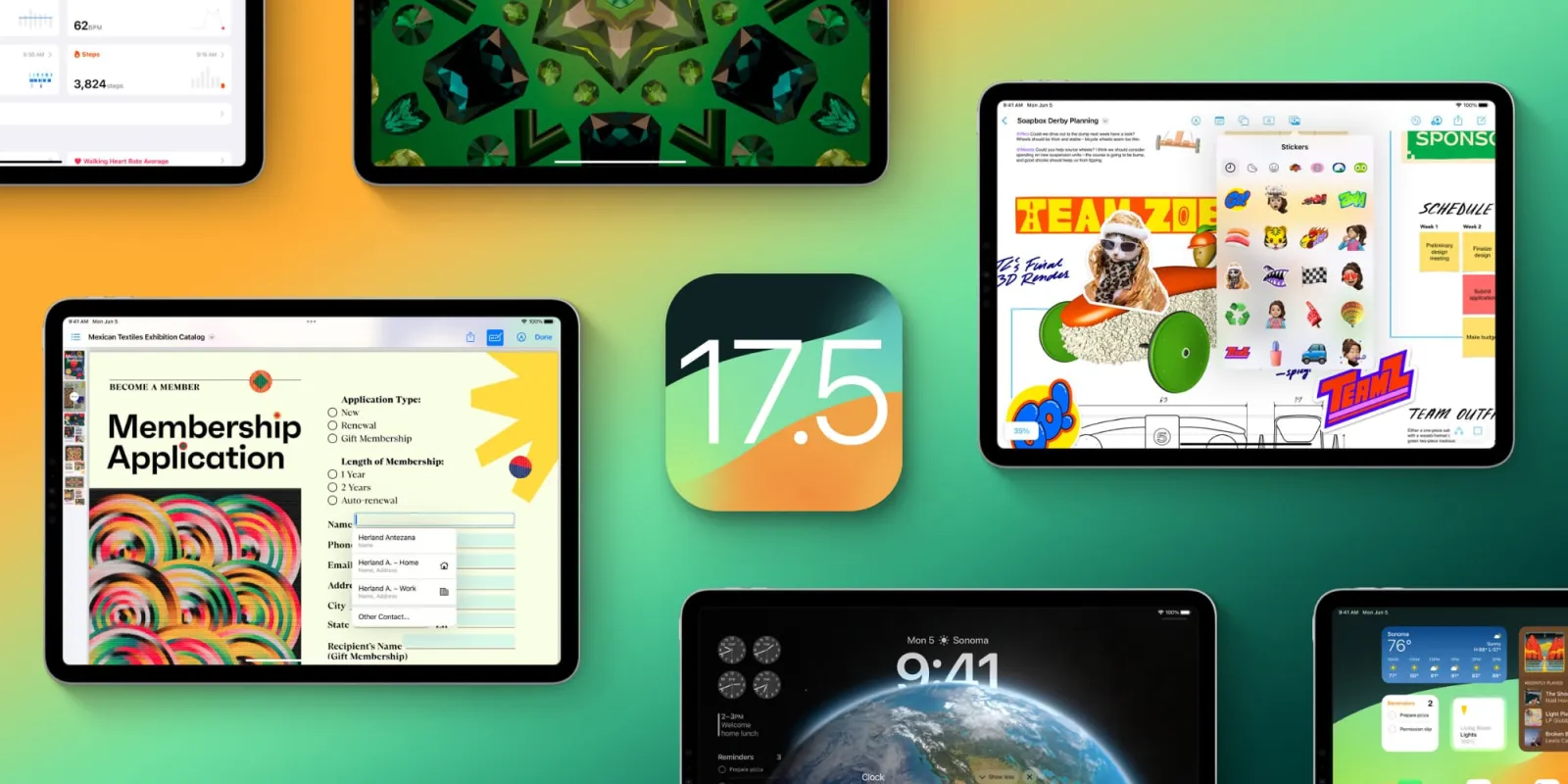
Update: Apple has released public beta versions of yesterday’s updates.
The iOS 17.5 beta train continues today with the third developer release. Apple is also testing macOS Sonoma 14.5, visionOS 1.2, watchOS 10.5, tvOS 17.5, and HomePod 17.5.
Expand Expanding Close
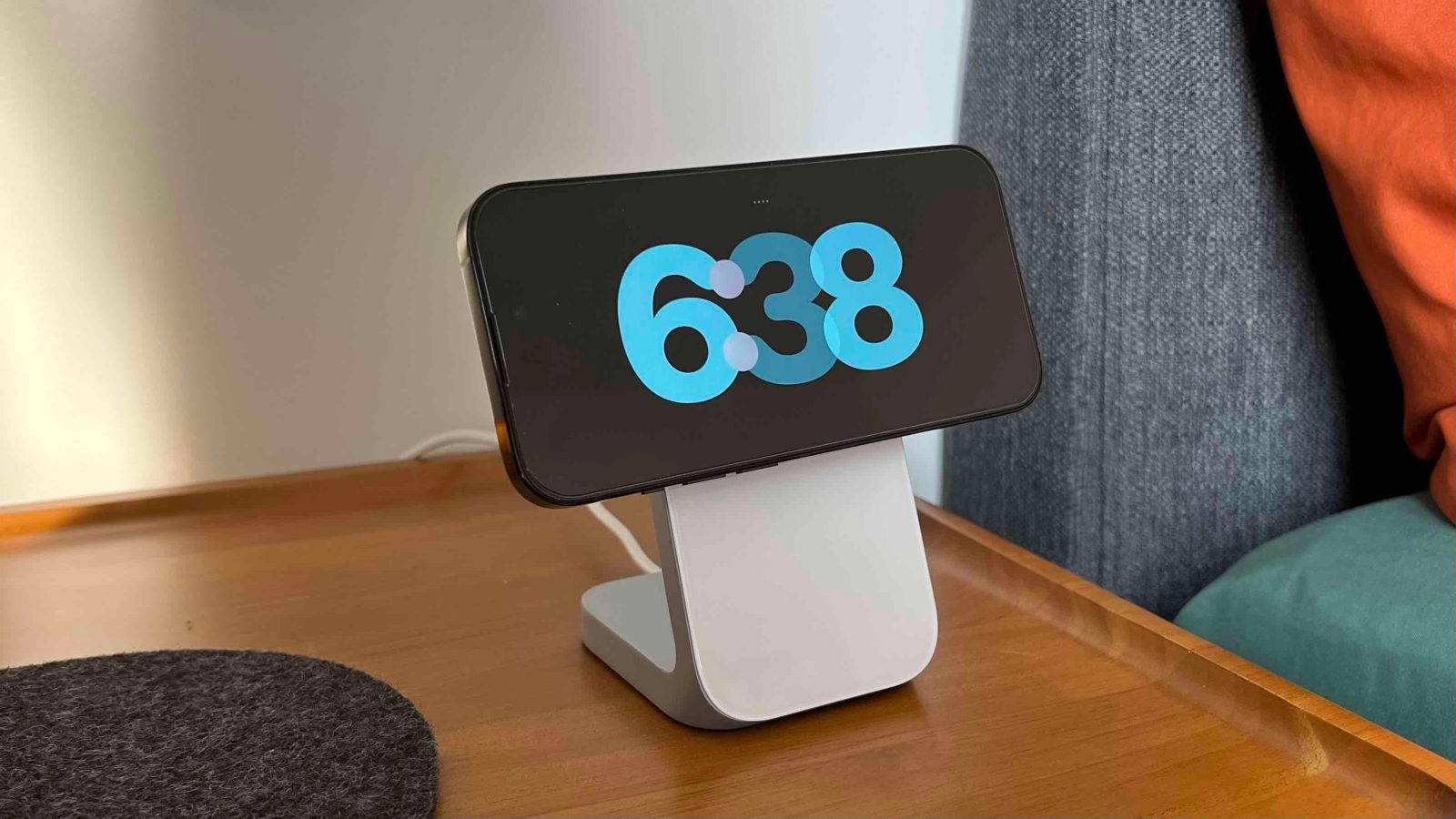
CIRP is out with a report on how iPhone activations compare to Android in the US. The latest data shows a notable drop over the last year bringing Apple’s US smartphone market share of new activations back in time six years.
Expand Expanding Close

Wednesday’s best deals come headlined by a $300 discount on Apple’s 15-inch M2 MacBook Air. Those who won’t be upgrading to the new iPad Pros in May can also score an all-time low on the new Apple Pencil with USB-C at $69. Plus, save on 15W MagSafe chargers and more. Hit the jump for all that and more in the latest 9to5Toys Lunch Break.
Expand Expanding Close

Last week, we got a report from Ross Young with a nice surprise that the upcoming 12.9-inch iPad Air would use mini-LED for its display. Now an updated report from Ross says that’s not happening after all, but there could be an iPad surprise at the end of the year.
Expand Expanding Close
President Joe Biden has officially signed off on a bill that requires TikTok parent company to divest the app within the next nine months. Should ByteDance fail to do so, TikTok would effectively be banned in the United States and removed from Apple’s App Store.
Expand Expanding Close

Apple TV+ offers exclusive Apple original TV shows and movies in 4K HDR quality. You can watch across all of your screens and pick up where you left off on any device. Apple TV+ costs $9.99 per month. Here’s every Apple original television show and movie available now on Apple TV+, as well as the latest trailers …
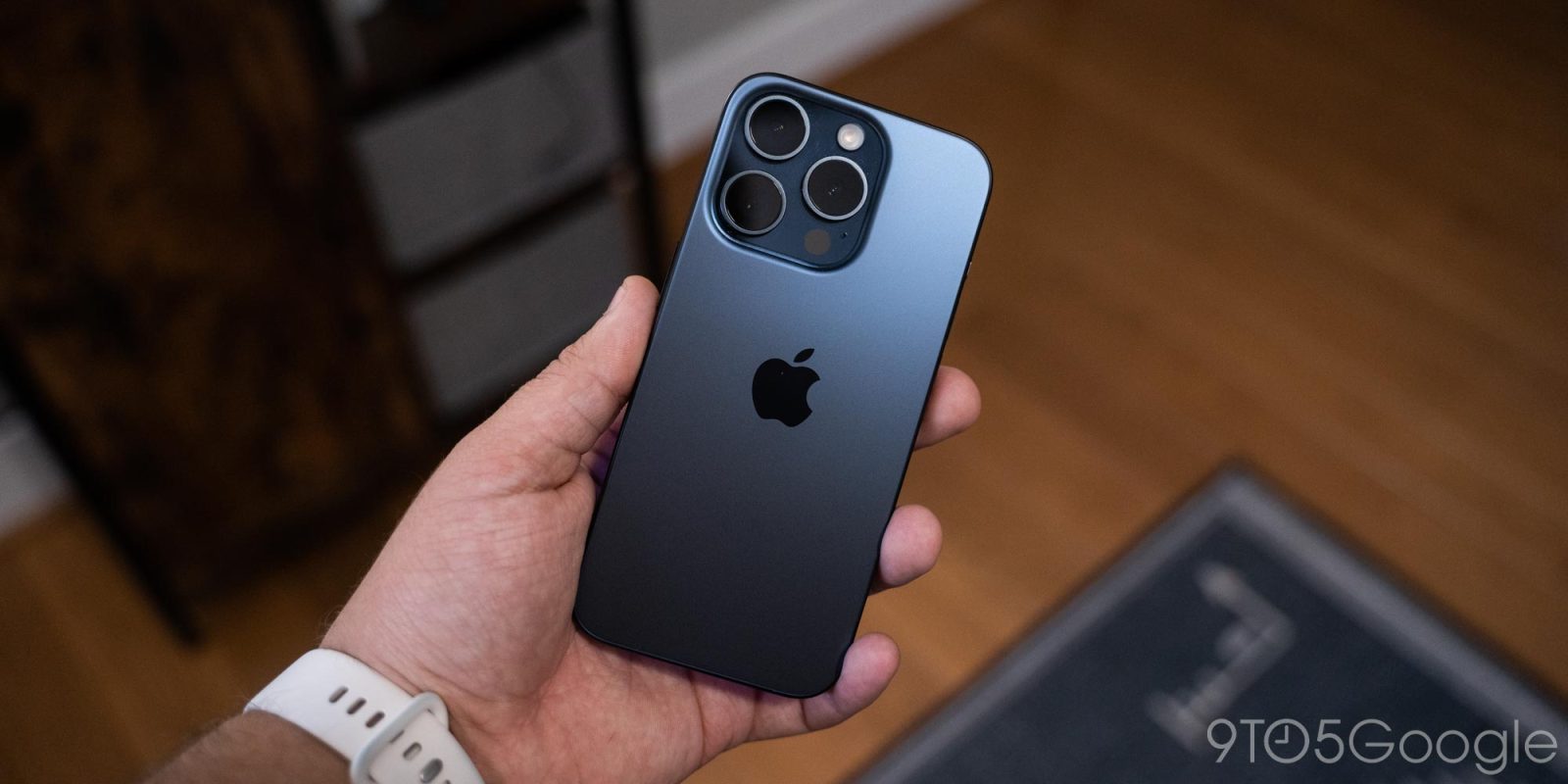

Live Activities are a super useful feature of Apple’s latest iPhones, but also one that goes underused. Google Maps has been overdue to support the feature for years now and while it’s still not live yet, Google is testing Live Activities with some iPhone users.
Expand Expanding Close
Ahead of iOS 18’s debut at WWDC in June, Apple has released a family of open-source large language models. Called OpenELM, Apple describes these as: a family of Open-source Efficient Language Models.
In its testing, Apple says that OpenELM offers similar performance to other open language models, but with less training data.
Expand Expanding Close
While it’s still yet to debut, Qualcomm’s Snapdragon X Elite is looking like a big deal for ARM-powered Windows machines and, now, it’s getting a more affordable cousin in the Snapdragon X Plus.
Expand Expanding Close
Starting in May, Apple is launching a new Today at Apple series at its retail stores focused on small business owners and entrepreneurs. Apple says that these sessions will offer “free opportunities to learn how Apple products and services can support their growth and success.”
Expand Expanding Close
Apple @ Work is brought to you by Kolide by 1Password, the device trust solution that ensures that if a device isn’t secure, it can’t access your apps. Close the Zero Trust access gap for Okta. Learn more or watch the demo.
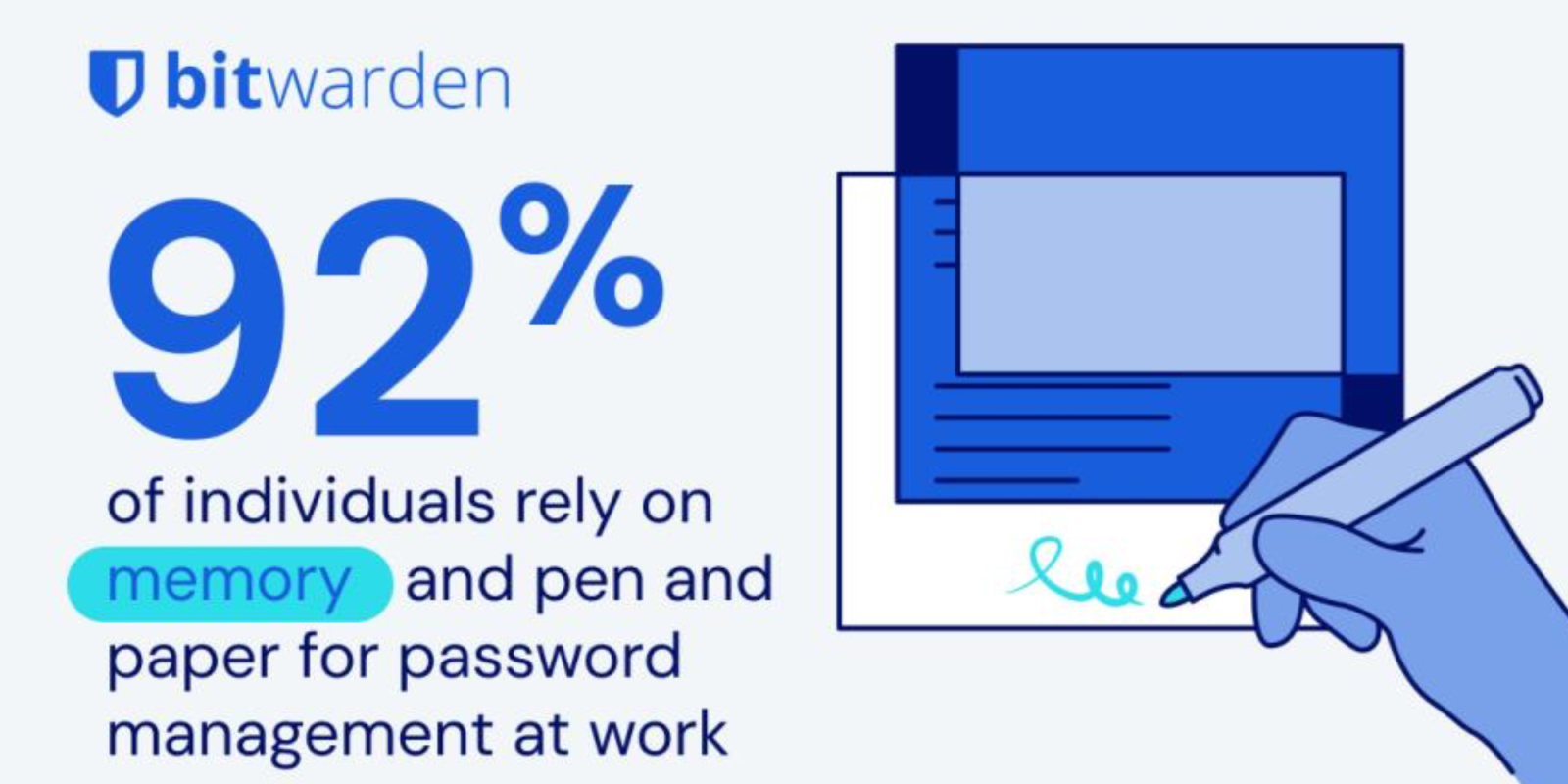
World Password Day is coming on May 2, 2024, and Bitwarden is releasing its 4th annual survey looking at how password management has evolved. The company surveyed 2,400 people from the United States, the United Kingdom, Australia, France, Germany, and Japan to explore contemporary password practices among users. This survey looks at password security behaviors at home and in professional settings, evaluates how phishing and AI affect online security, and gauges users’ feelings about adopting passkeys as a new authentication method.
Expand Expanding Close
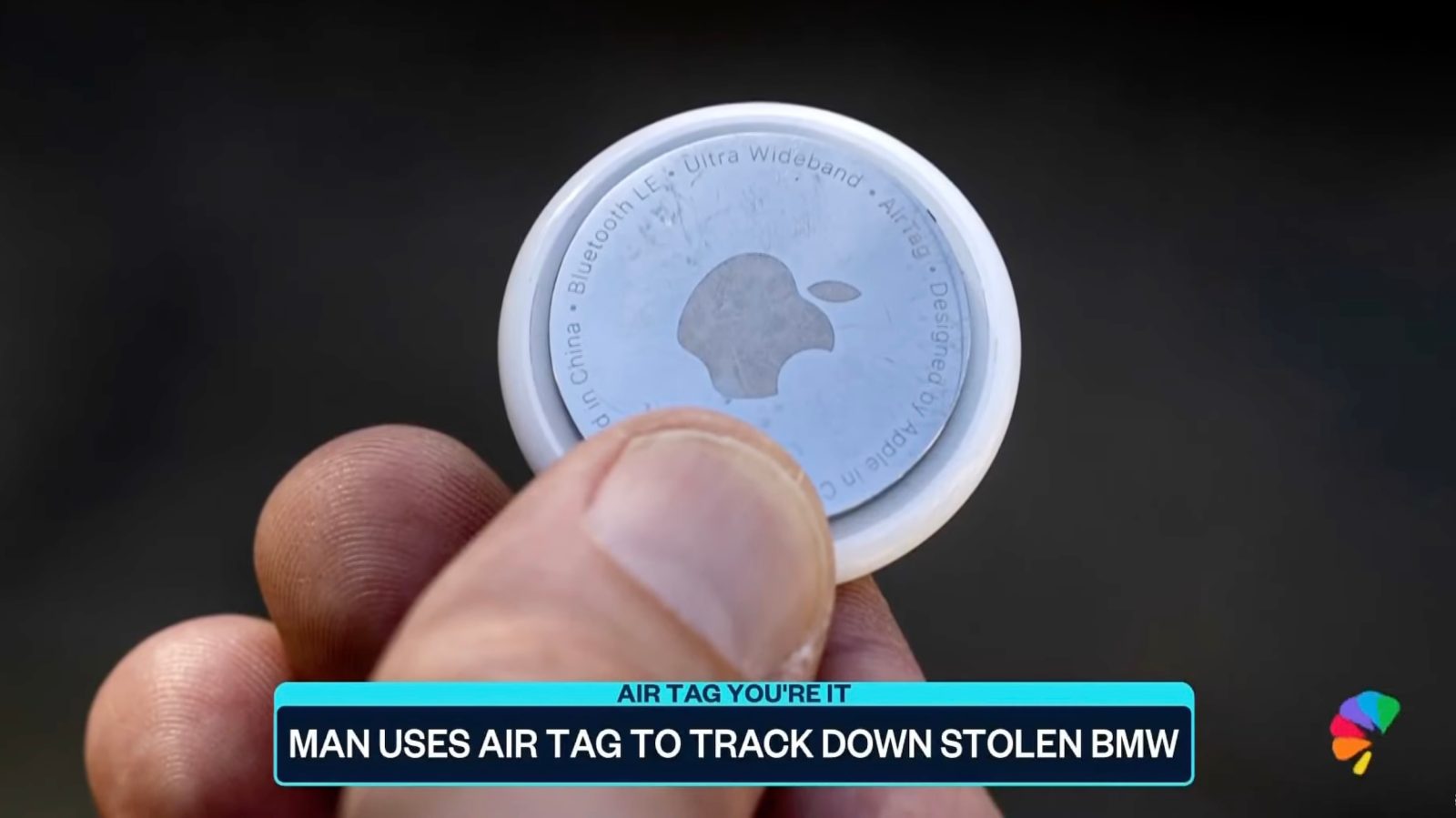
Another stolen car has been recovered thanks to a hidden AirTag, this time in California. Speaking to NBC News, Philip Obando said that he woke up and walked out of his house to find that his BMW was gone.
Thanks to the hidden AirTag and dashcam video, Obando was able to get a pretty clear idea of when the car was stolen, who stole it, and what the thief did with it.
Expand Expanding Close

Some YouTube Music for iOS users today are facing a bug where the app opens to a black screen on certain Google Accounts with no ability to play songs.
Expand Expanding Close
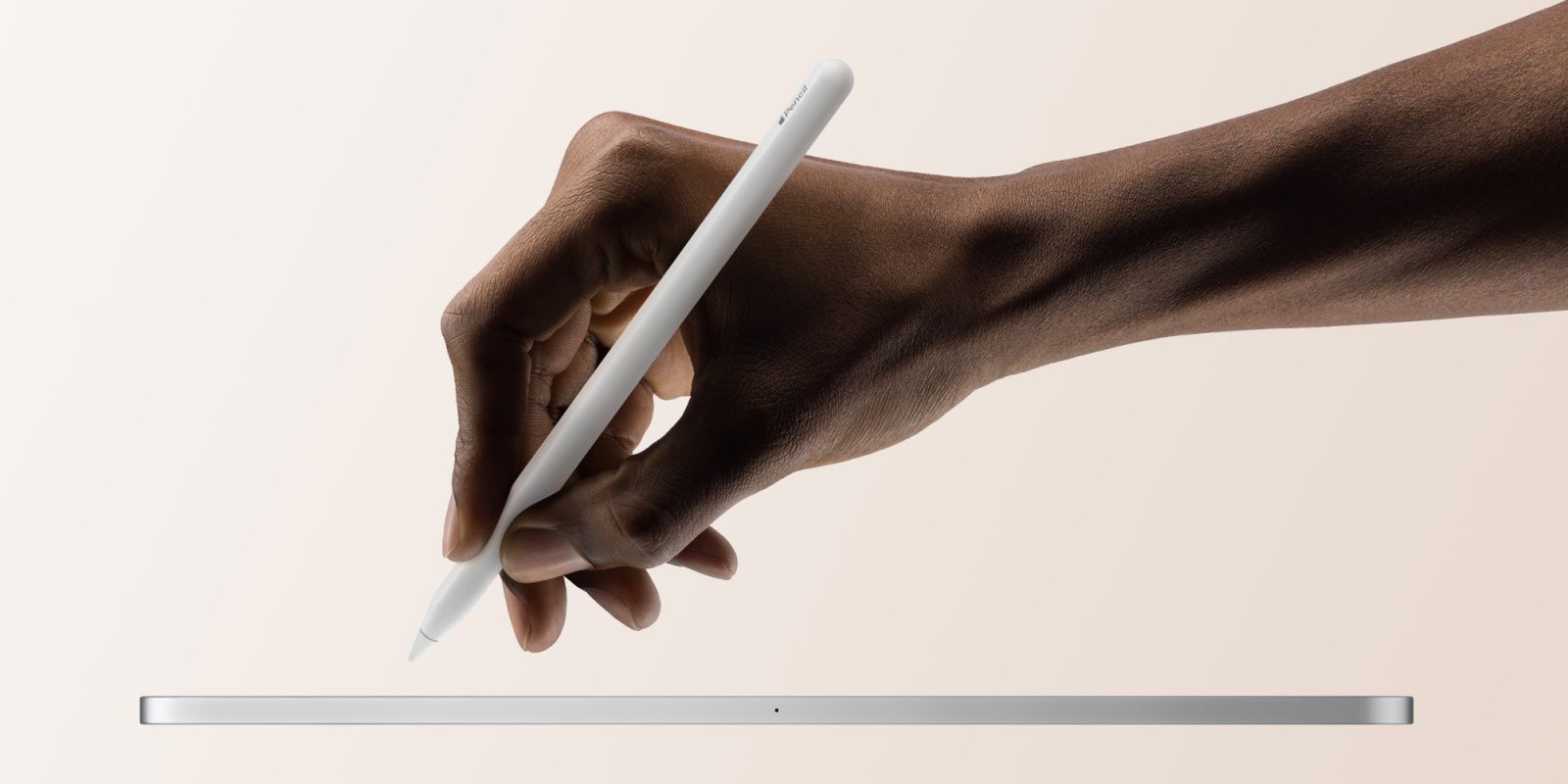
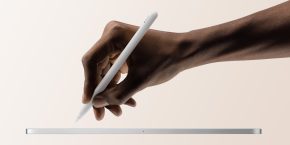
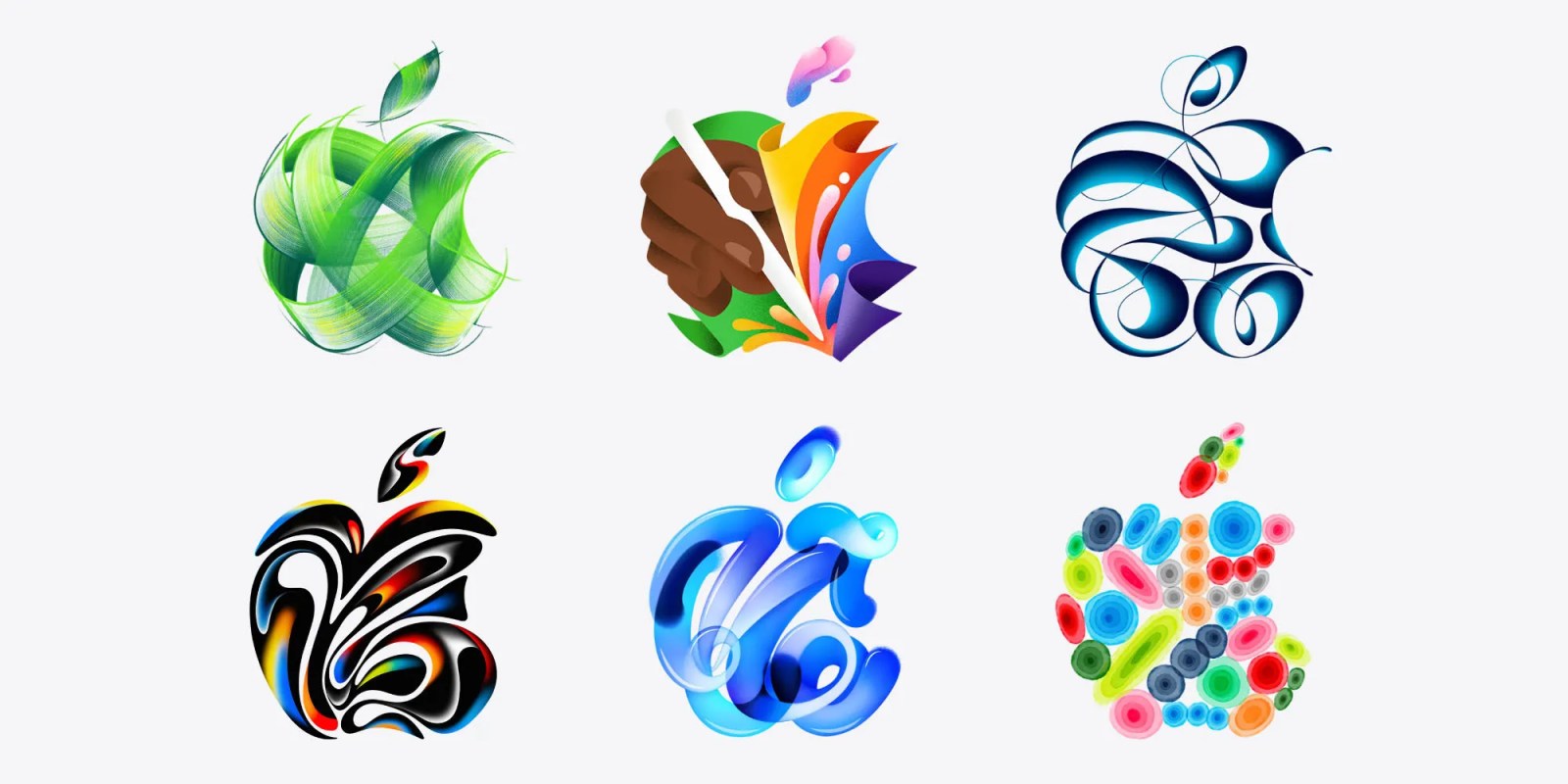
Apple on Tuesday announced that it will hold a special event on May 7. Although the company doesn’t usually discuss the topics of the event, the invitation artwork makes it clear that it will be all about iPad – as we can see an Apple Pencil in it. To add fuel to the fire, Apple CEO Tim Cook hinted that we’ll see at least a new Apple Pencil 3 next month.
Expand Expanding Close

Apple will announce new iPad models next month, and this includes a new generation iPad Pro powered by the M3 chip and featuring OLED displays for the first time. However, the 11-inch version may face supply problems due to OLED display shipments, which could make it more difficult to buy one at launch.
Expand Expanding Close
Last week, Apple was forced by the Chinese government to pull four apps from the App Store in China: Signal, Telegram, WhatsApp, and Threads.
Telegram founder and CEO Pavel Durov has now responded to the situation, arguing that Apple was the real target of China’s request. There are more than a few problems with this spin, though…
Expand Expanding Close
Listen to a recap of the top stories of the day from 9to5Mac. 9to5Mac Daily is available on iTunes and Apple’s Podcasts app, Stitcher, TuneIn, Google Play, or through our dedicated RSS feed for Overcast and other podcast players.
Sponsored by Roborock: Get a special deal on the S8 MaxV Ultra Robot Vac & S8 Max Ultra with free gifts for a limited time.